
Using a Blank Times Table Chart Up To 100 can significantly enhance your child’s understanding of multiplication. This chart serves as a practical tool for students, parents, and teachers alike, allowing for easy reference and practice. With this resource, you can effectively organize and visualize multiplication facts, making learning both fun and engaging.
What is a Blank Times Table Chart?
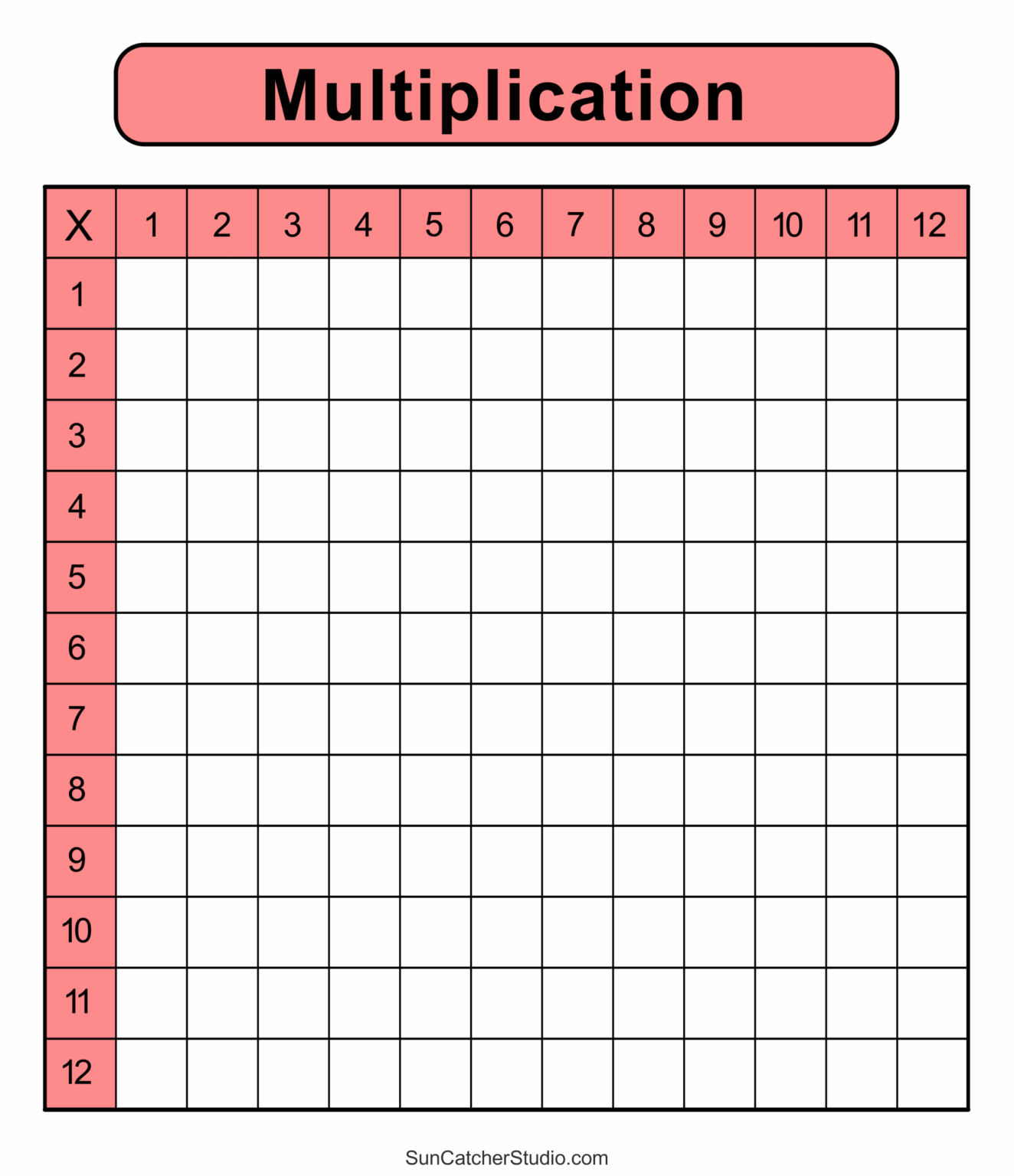
A Blank Times Table Chart is a grid that displays multiplication facts in a structured format. Typically, it features numbers across the top and down the side, allowing users to fill in the products of those numbers. The chart can extend up to 10×10 or even 100×100, depending on the educational needs. For young learners or those just starting with multiplication, a chart up to 100 is particularly useful.
Why Use a Blank Times Table Chart?
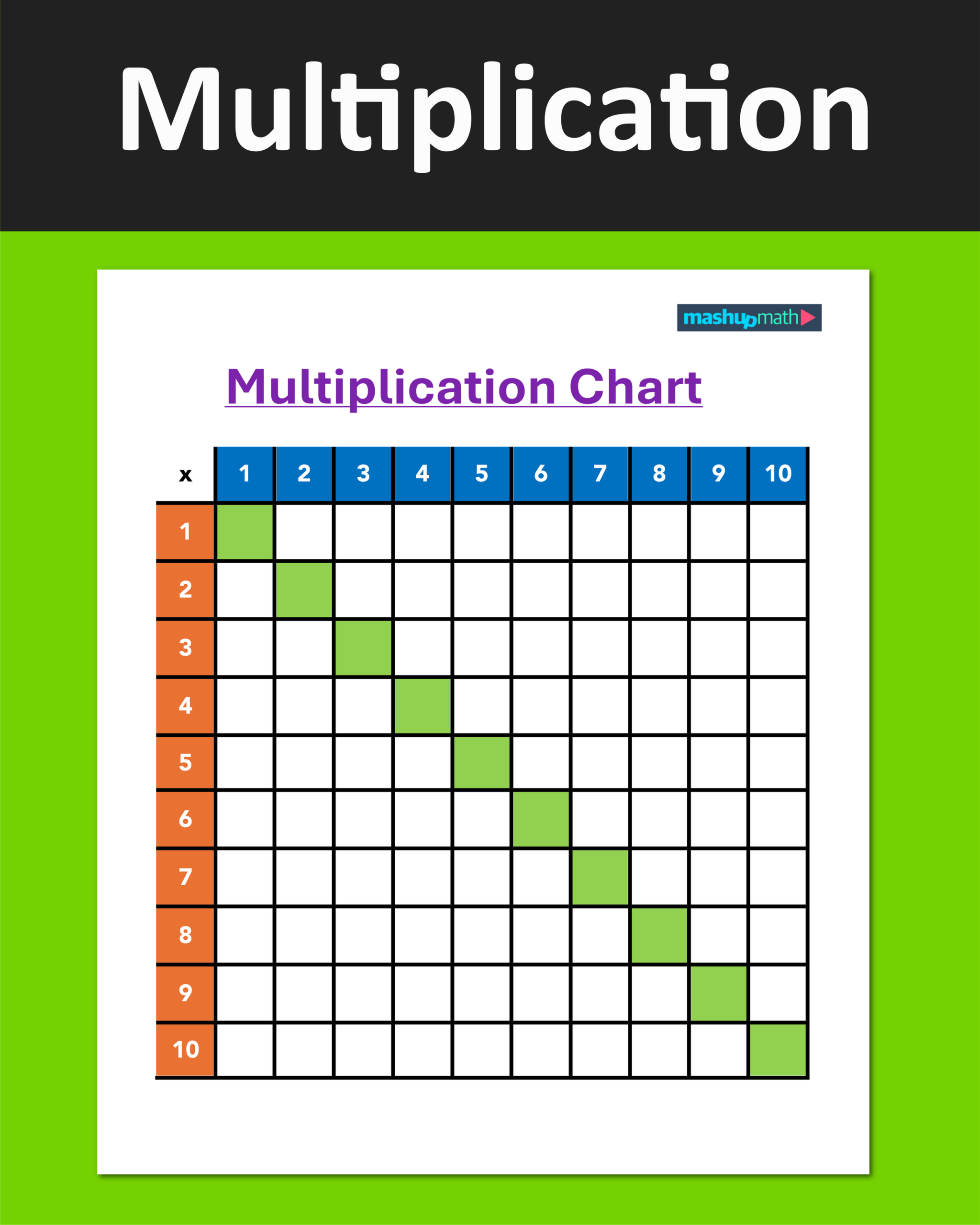
Using a blank times table chart provides several benefits:
- Visual Learning: Children often grasp concepts better when they can visualize them. Seeing multiplication in a structured format helps them understand relationships between numbers.
- Practice Tool: It serves as a practical exercise for students to practice their multiplication skills. Filling in the chart reinforces memory and understanding.
- Assessment of Knowledge: Teachers can use these charts to assess students’ understanding of multiplication facts.
- Customizable: You can adapt the chart to suit different learning levels, focusing on specific numbers or ranges.
How to Fill Out the Chart
Filling out a Blank Times Table Chart can be done in several ways, depending on If you are using a digital format or a printed version.
Digital Format
If you’re filling in a fillable PDF version, you can type directly into the cells. This method is great for quick edits and allows for easy reuse. Here’s how to do it:
- Open the PDF: Use a PDF reader that supports form filling.
- Navigate to Each Cell: Click on the cell where the product should go.
- Enter the Product: For example, if you’re calculating 7 x 8, type “56” in the corresponding cell.
- Save Your Work: Make sure to save the filled chart for future reference.
Printed Version
For a printed version, filling it out by hand can be more engaging for young learners. Here’s a step-by-step guide:
- Print the Chart: Use standard A4 or letter-sized paper for your printout.
- Gather Materials: Have some pencils or colorful markers ready.
- Start with Easy Facts: Begin with multiplication facts that your child is comfortable with, such as 1s and 2s.
- Encourage Repetitive Practice: As they fill in each box, encourage them to say the multiplication fact out loud. For instance, “7 times 8 equals 56.”
Best Practices for Using the Chart
Incorporate Regular Practice
To maximize the effectiveness of the Blank Times Table Chart, make it a part of your regular study routine. Here are some ideas:
- Daily Drills: Spend a few minutes each day focusing on different sections of the chart.
- Games: Turn it into a game. For example, challenge your child to complete a row in under a minute.
- Assessment: Use the filled chart to test their knowledge periodically.
Encourage Independence
As your child becomes more comfortable with multiplication, encourage them to fill out the chart independently. This builds confidence and reinforces their learning.
Use as a Reference Tool
Once the chart is filled, keep it accessible. It can serve as a quick reference during homework or study sessions.
Where to Find Printable Charts
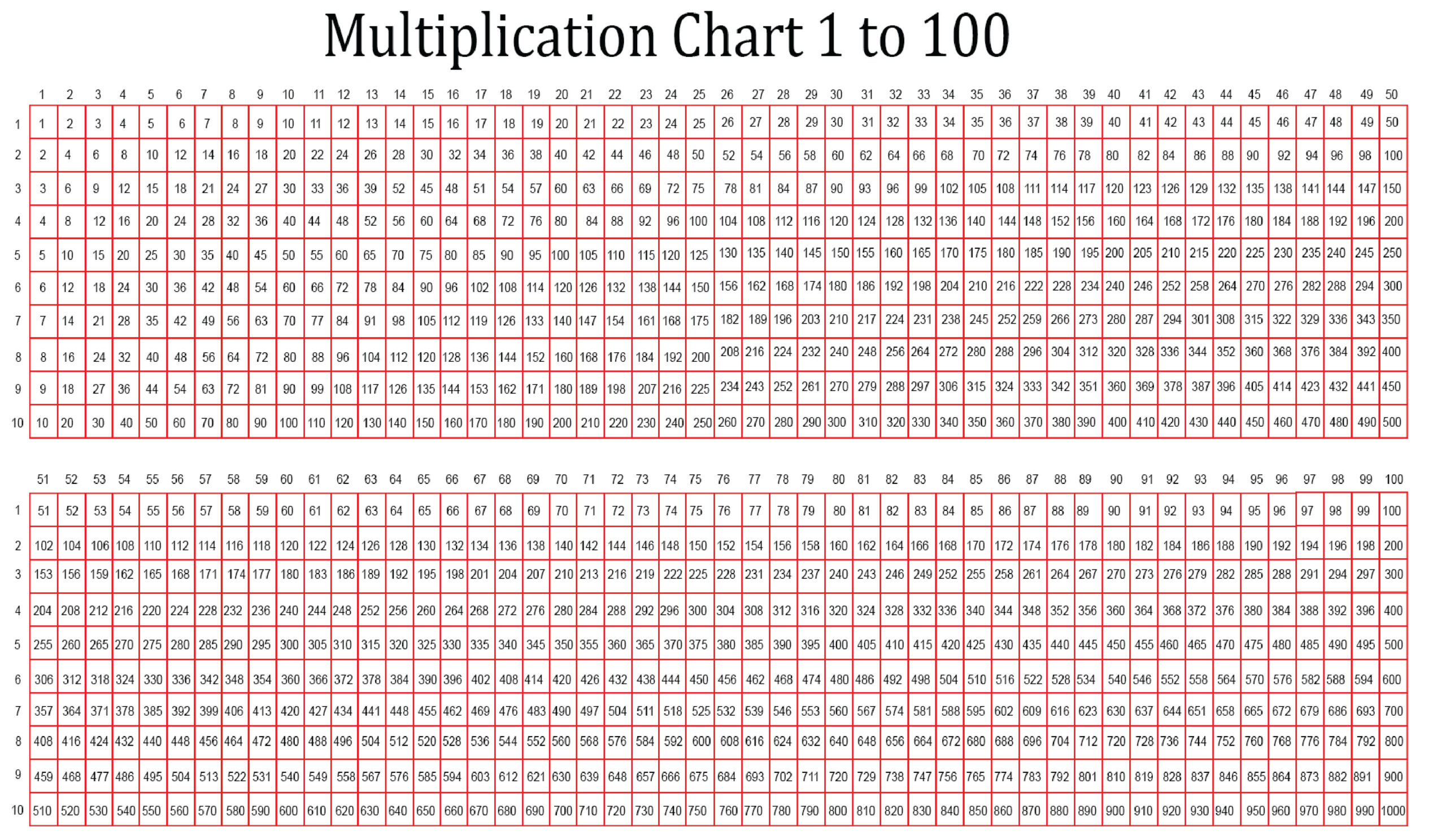
You can find a variety of Blank Times Table Charts Up To 100 online. Many educational websites offer free downloads. Here’s where to look:
- Educational Resource Websites: Sites that specialize in printable worksheets often have a range of times table charts.
- Homeschooling Blogs: Many bloggers share free resources tailored for homeschooling families.
- Teacher Resource Sites: These usually offer charts that can be customized for different grade levels.