
Using Free Printable Blank Bar Charts can significantly enhance your ability to visualize and organize data. These templates are perfect for students, teachers, project managers, and anyone looking to present information clearly and effectively. In this article, you’ll find practical guidance on how to use these charts, what details to include, and tips for making the most out of your printable resources.
Understanding Bar Charts
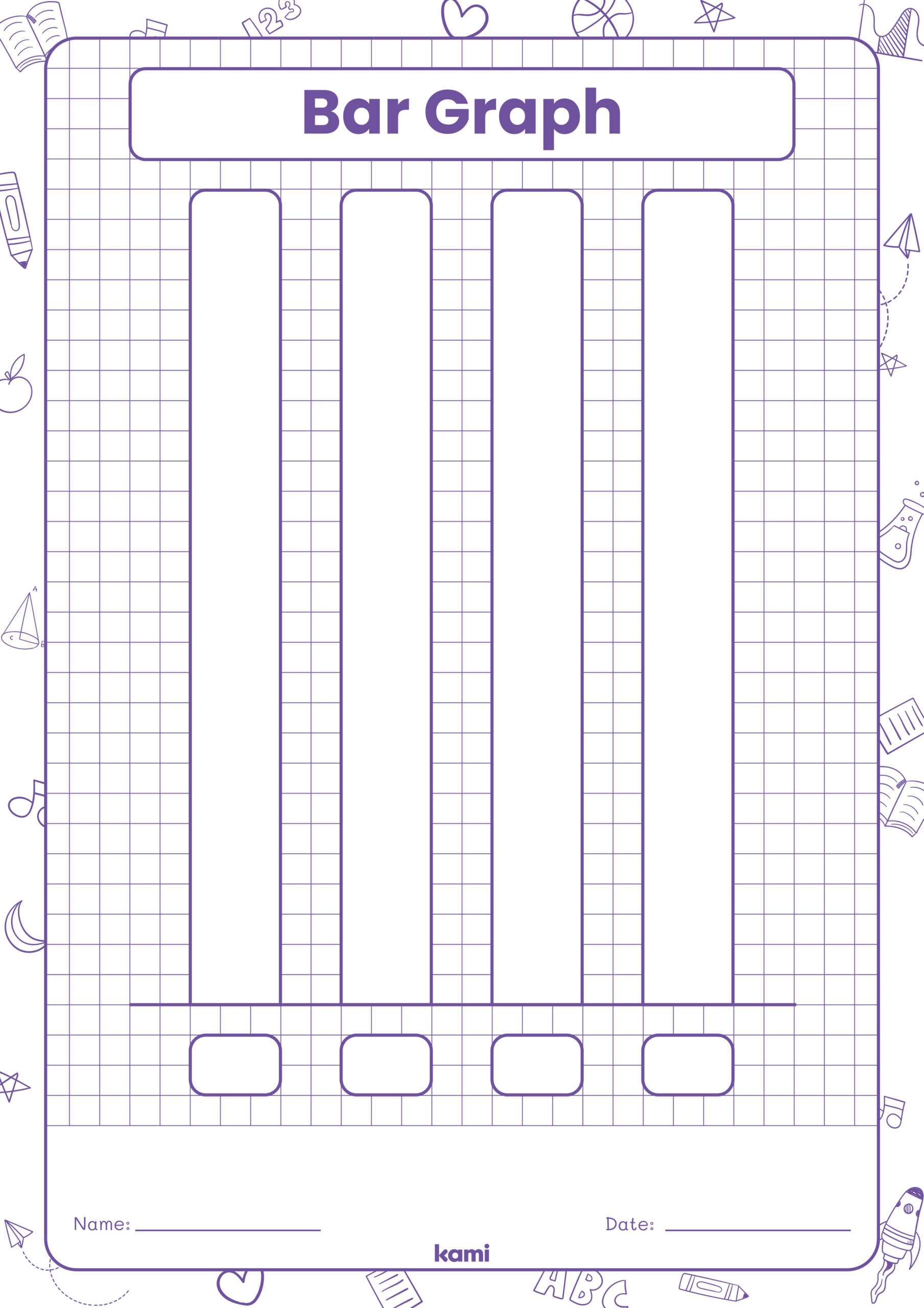
Bar charts are a simple yet effective way to display categorical data. Each bar represents a category, and the length of the bar correlates with the value it represents. This visual representation makes it easier to compare different categories at a glance.
When you download a Free Printable Blank Bar Chart, you typically receive a PDF or image file that you can print and fill in. These charts can be used in various contexts, such as educational settings, business reports, or personal projects.
Types of Data You Can Represent
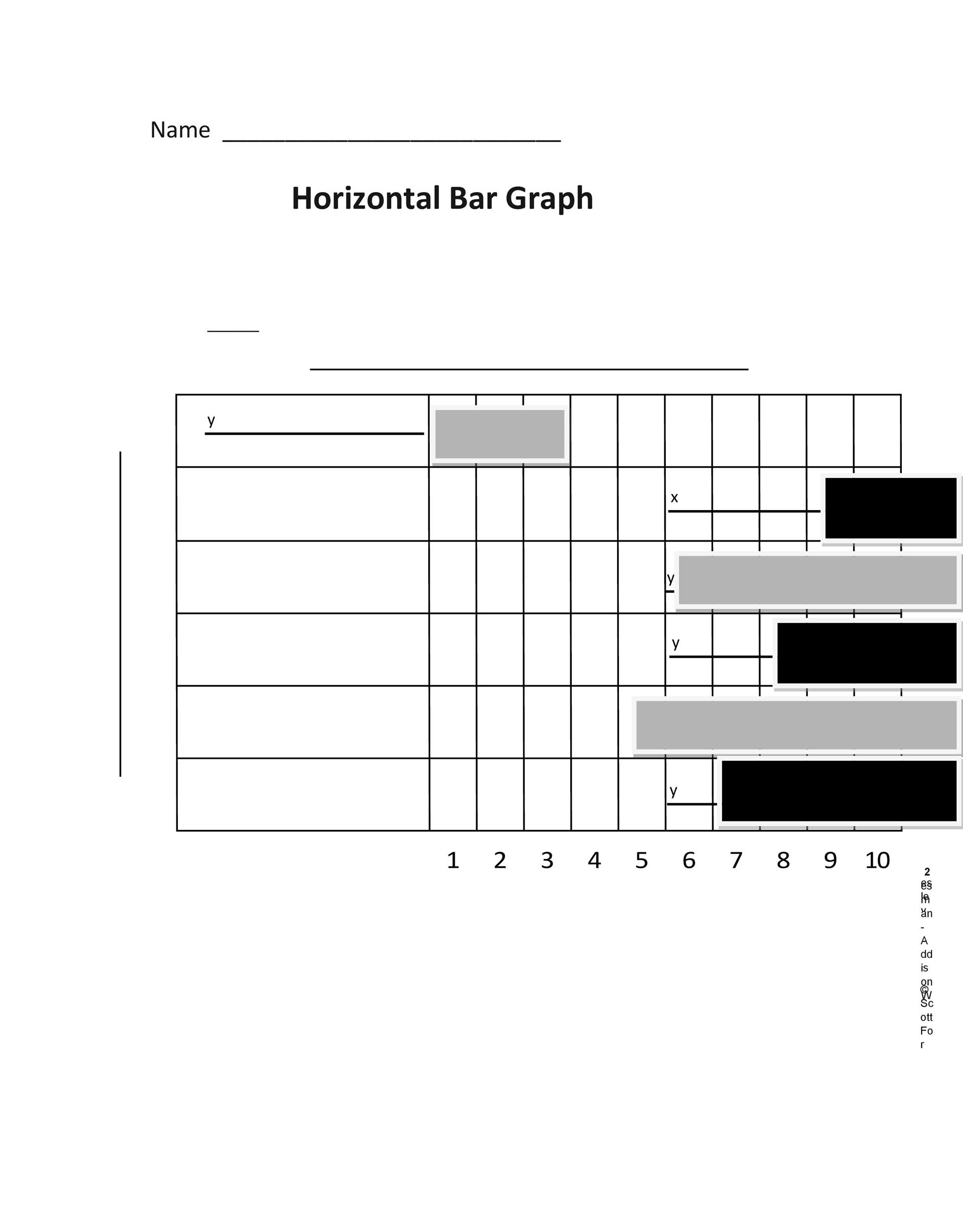
Bar charts are versatile and can be used to represent various types of data, including:
- Survey Results: Compare responses from different groups.
- Sales Data: Track sales figures across different products or services.
- Student Performance: Visualize grades across subjects or assignments.
- Project Timelines: Show progress in different phases of a project.
Understanding the type of data you want to represent will help you effectively fill in your blank bar chart.
How to Fill In a Blank Bar Chart
Filling in a blank bar chart can seem straightforward, but there are a few steps to ensure your data is accurately represented.
Step-by-Step Guide
- Select Your Categories: Identify the categories you want to represent. For example, if you are tracking monthly sales, your categories might be the months of the year.
- Collect Your Data: Gather the data you want to display. Ensure it’s accurate and relevant to your categories.
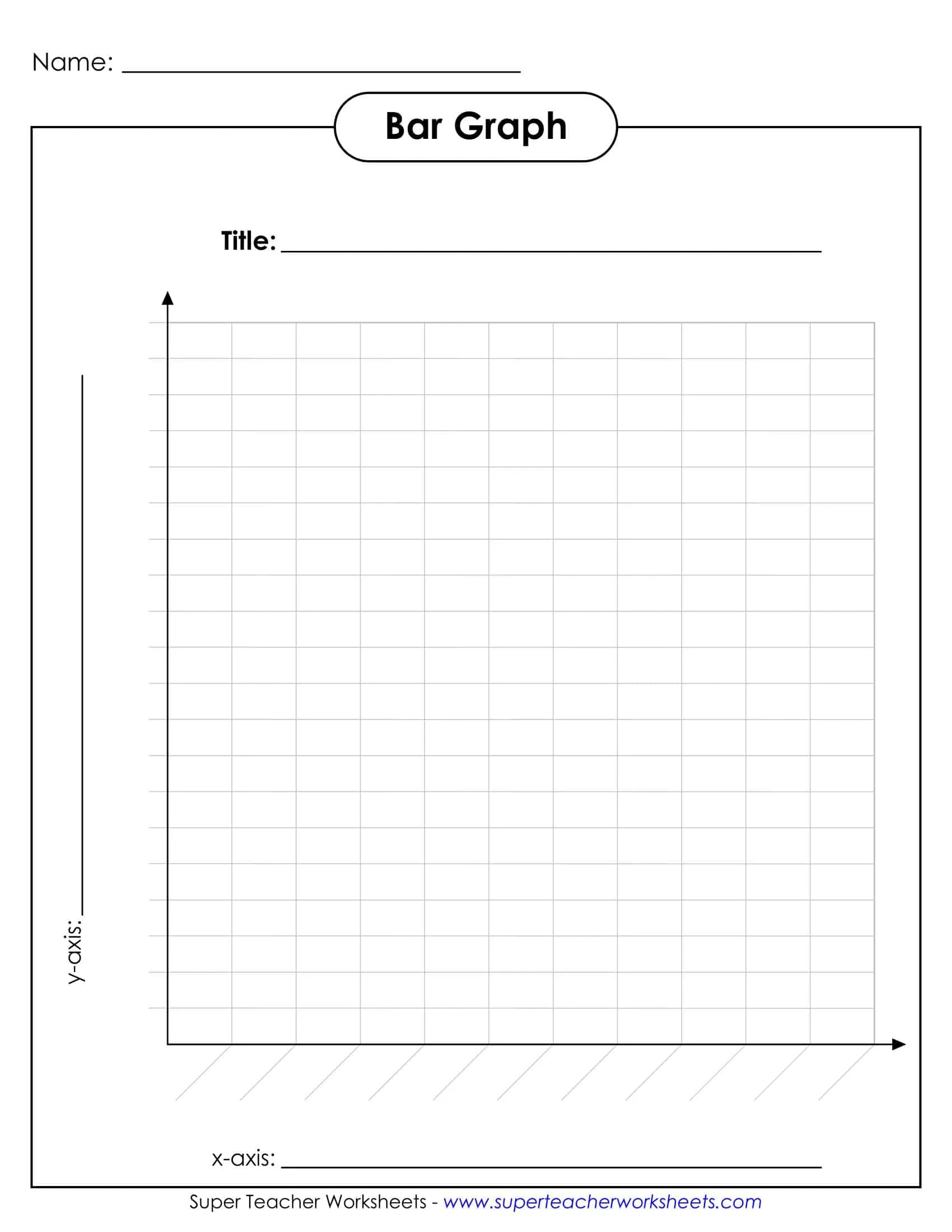
- Label Your Axes: Typically, the vertical axis (Y-axis) represents the values, while the horizontal axis (X-axis) represents the categories. Make sure your labels are clear and easy to read.
- Draw the Bars: For each category, draw a bar that corresponds to the value you collected. Ensure the bars are of equal width for consistency.
- Add a Title: A clear title helps viewers understand what data the chart is representing.
- Color Code (Optional): If you want to differentiate between categories, consider using different colors for each bar.
Best Practices for Using Bar Charts
When using Free Printable Blank Bar Charts, adhering to certain best practices can enhance clarity and effectiveness.
Keep It Simple
Avoid cluttering your chart with too much information. Keep it focused on the key data points you want to convey.
Be Consistent
Ensure that the scale on the Y-axis is consistent. For example, if you are tracking sales figures, using increments of 10, 20, or 50 makes it easier to compare values.
Use Clear Labels
Labels should be concise and easy to read. Avoid jargon that might confuse your audience.
Consider Your Audience
Tailor the complexity of your chart to your audience. For younger students, simple categories and clear visuals work best, while business presentations might require more detailed data.
Where to Use Printable Bar Charts
Free Printable Blank Bar Charts can be utilized in various scenarios. Here are some practical applications:
Educational Settings
Teachers can use these charts to help students visualize data in subjects like math or science. Students can fill in the charts during projects or presentations, making it a hands-on learning experience.
Business Reports
In a business context, bar charts can illustrate sales trends, project timelines, or survey results. Presenting data visually can make reports more engaging and easier to digest.
Personal Projects
If you’re tracking personal goals, such as fitness progress or budget expenses, these charts can help you visualize your achievements over time. It can serve as a motivational tool to keep you on track.
Tips for Printing Your Bar Charts
When you’re ready to print your Free Printable Blank Bar Charts, consider these tips to ensure the best results:
Paper Type
Use a heavier paper, like cardstock, if you plan to display your charts. This will prevent them from bending or tearing easily.
Print Settings
For the best quality, print in high resolution. Most home printers handle standard paper sizes like A4 or letter size well, but always check your settings before printing.
Orientation
Decide whether a portrait or landscape layout works better for your data. Landscape often provides more space for longer category labels.